Birth Certificate Registration Online 2025
Birth Certificate Registration: Friends, let us tell you that if you are also running around government offices to get your or your family members’ birth certificate, then this post is going to be very beneficial for you. Because through this post we are going to tell you the full process of how to apply for a birth certificate sitting at home.
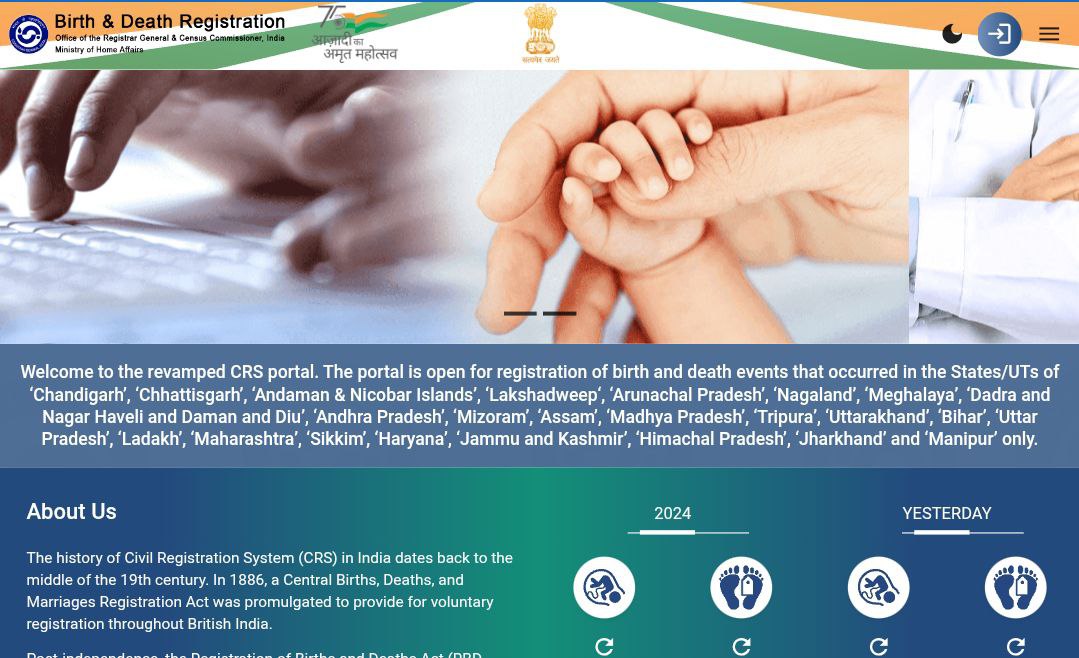
Today, you can make a birth certificate sitting at home because the government has recently launched the Civil Registration System portal through which now every person can apply for birth and death certificate for free sitting at home.
Today, birth certificate is being used everywhere, whether it is to take admission in schools or to modify the name and date of birth in any document. If you also want to apply for a birth certificate sitting at home, then read the process given below carefully. Birth Certificate Registration
Friends, through the CRS portal, you can apply for birth certificates for children born within 21 days for free, for which you do not need to pay any fee and if you are applying for a birth certificate for any age after 21 days, then you have to pay a late fee of Rs 10 per year.
From this portal, you can prepare birth certificate for any person of any age and the following documents should be available at the time of application to make it. Birth Certificate Registration
Required Document for Birth Certificate
✓Address Proof(POA)
>Voter ID Card
>Bank Account Statement
>Identity Card issued by School
>Insurance Policy
>Income Tax Return Statement
>Credit Card Statement
>Family ID
>Aadhar Card
>Ration Card
>PAN Card
>Driving License
>Electricity, Water, Gas Bill
>Rent Agreement
>Identity Card issued by PSU
>Photo ID Card issued by Central/State Government
>Residence Certificate issued by Tehsil
>MGNREGA Job Card
>Central Government Health Scheme/Ex-Servicemen Contributory Health Scheme
Order Documents
✓Order letter issued by District/ Sub-Division/ Magistrate (only if application is made after 21 days of birth) or Mother and Child Protection (MCP)- Vaccination Card or Delivery Certificate
✓Additional Document
>Birth Reporting Form
How to create an account for Birth Certificate
Friends, if you want to create a birth certificate yourself, then you have to go to the CRS portal and create an account and only after creating an account, you can apply for the certificate. In this post, we are going to tell you the entire process from creating an account on this portal to downloading the certificate.
Birth Certificate Registration
✓https://dc.crsorgi.gov.in/crs/
✓Login>>Click on the option of General Public.
✓Click on the Sign Up option to create an account.
✓Enter your full name, gender and date of birth and click on the Next option.
✓Select your state, district, tehsil in the Address section.
✓Select Town and Village.
✓Select your village or town.
✓Enter the full address including pincode and click Next.
✓Enter your Aadhaar number and select nationality.
✓Accept the Terms and Conditions and click Next.
✓Enter your mobile number and click on Send OTP option.
✓Enter OTP and Verify.
✓If you want to link your email ID then enter your email ID and captcha code and click on Send OTP option.
✓Click on the link received on your email ID and click on Submit option.
Birth Certificate Registration Process 2025
✓ https://dc.crsorgi.gov.in/crs/
✓ Login to the page using your mobile number and OTP.
✓ Go to the Birth section and click on the Report Birth option.
Legal Information
✓Select your state.
✓Select the language in which you want the birth certificate, primary and secondary language.
✓The date of application will be automatically selected in the reporting date.
✓Enter the date and time of the child’s birth in child information.
✓Select the gender of the child.
✓If the child has an Aadhaar card, enter the Aadhaar card number or EID number.
✓If available, enter the child’s full name.
✓Enter the child’s mother/father’s full name, mobile number, email ID and Aadhaar number.
✓Enter the child’s mother/father’s full address at the time of the child’s birth.
✓Enter the child’s mother/father’s permanent address.
✓Enter the child’s place of birth.
✓Select the registration unit and click on the Next option.
Important Link: Click Here