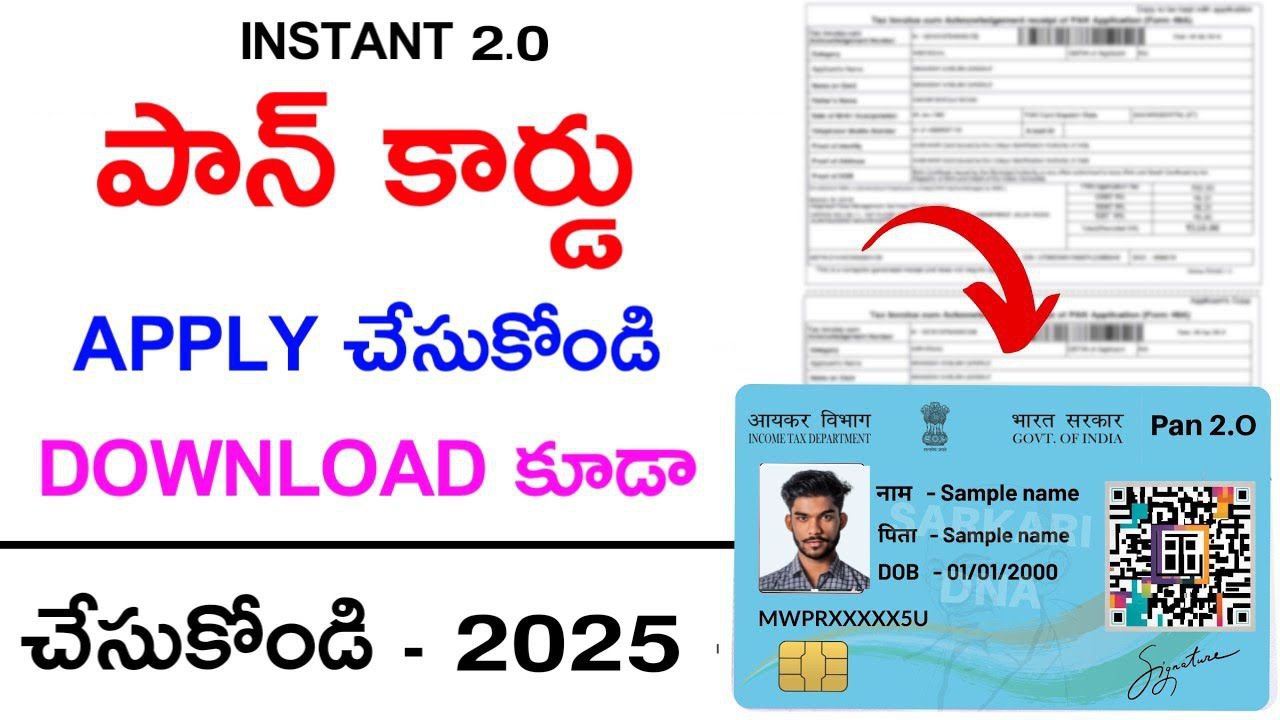
New PAN Card Apply Process 2025: Instant e-PAN card Download Online
New PAN Card Apply Process 2025: Friends, let us tell you that making a PAN card is very easy, but if you do not have this document, then you may have to face difficult problems in making a PAN card. Today, through this post, we are going to tell you the full process of how you can apply for a PAN card from home with just an Aadhaar card.
Today, making a PAN card has become very easy because now you can put a photo and signature of your choice on the PAN card only through Aadhaar card. Friends, in today’s date, the use of PAN card is increasing very fast because in today’s time, whether you want to open an account in any bank, apply for a loan or pay income tax, PAN card is very important.
Usually, applications for PAN card are accepted through three companies (NSDL, UTIITSL & Income Tax) but are issued only by the Income Tax Department of the Government of India. Friends, today there has been a big change in the PAN card portal through which e-PAN card is issued immediately. New PAN Card Apply Process
As you all know that not everyone can get a PAN card easily because to get it you have to accept all the terms and conditions of the Income Tax Department, only after that your PAN card is issued. We will tell you through this post which documents are required to make a PAN card and which eligibility conditions have to be fulfilled. New PAN Card Apply Process 2025
How to Online Apply New PAN Card 2025

https://www.onlineservices.nsdl.com/paam/endUserRegisterContact.html
✓ To make a PAN card, click on the link given above.
✓ Token Generate Process
✓ Click on the option of New PAN-Indian Citizen(Form-49A) in the Application Type section.
✓ Click on the option of INDIVIDUAL in the Categorys section.
✓ Select the title of your name.
✓ Enter your full name in the First, Middle and Last Name sections.
✓ Enter your date of birth.
✓ Enter email ID and mobile number for contact.
✓ Read and accept the Terms & Conditions.
✓ Validate the captcha code and click on the Submit option.
✓ After submitting, your token number for PAN card will be generated.
New Pan Card Apply Process 2025
✓ After the token is generated, click on the option of Continue with PAN Application Form.
✓ If you want to make a PAN card only through Aadhaar card, then click on the option of Submit Digitally trough e-KYC & e-sign(Paperless).
✓ Enter the last four digit of your Aadhaar card number.
✓ If you want to put the Aadhaar card photo in the PAN card, then click on the option of Yes.
✓ Select your gender.
✓ If you have any other name, then click on Yes and enter the name.
✓ Enter the name of your father and mother.
✓ Select the name of the person whose name you want to print on your PAN card and click on the option of Next.
✓ Select your source of income in the Contact section.
✓ If you apply through Aadhaar card, you do not have to fill anything in the Resident Address and Office Address sections.
✓ Select your country code and match the mobile number and email ID.
✓ You can find out by selecting your state and city in the AO code section.
✓ Enter the PIN code as per the Aadhaar card.
✓ Enter the name of the person making the declaration in the document details section.
✓ Select the date after entering the place and click on the Submit option.
✓ Enter the first eight digits of your Aadhaar card to submit the application.
✓ Match the application details and click on the Proceed option.
How to Download e-PAN Card 2025
✓ Download PAN card, click on the Download button given above.
✓ After coming to the homepage, click on the option of Download e-PAN / e-PAN
✓ If you have applied for a new PAN card, click on the Acknowledgement Number option.
✓ Enter your 15 digit Acknowledgement Number.
✓ Applicant should enter his date of birth.
✓ Validate the captcha code and click on the Submit option.
✓ If you already have a PAN card number, then tick the PAN option.
✓ Enter your PAN card number and Aadhaar number.
✓ Enter the date of birth.
✓ Validate the captcha code and click on the Submit option.
✓ Select the medium to receive OTP like_
E-Mail ID
Mobile Number
Both
✓ After selecting the medium, click on the Generate OTP option.
✓ Enter OTP and click on Validate option
Pan Card Apply: Click Here
Pan Card Download: Click Here
Related FAQs
How to apply for e-PAN card?
Is e-PAN card as valid as physical PAN card?
How to retrieve lost PAN card?
How to update photo and signature in PAN card?
How to get a new PAN card if it is lost or damaged?